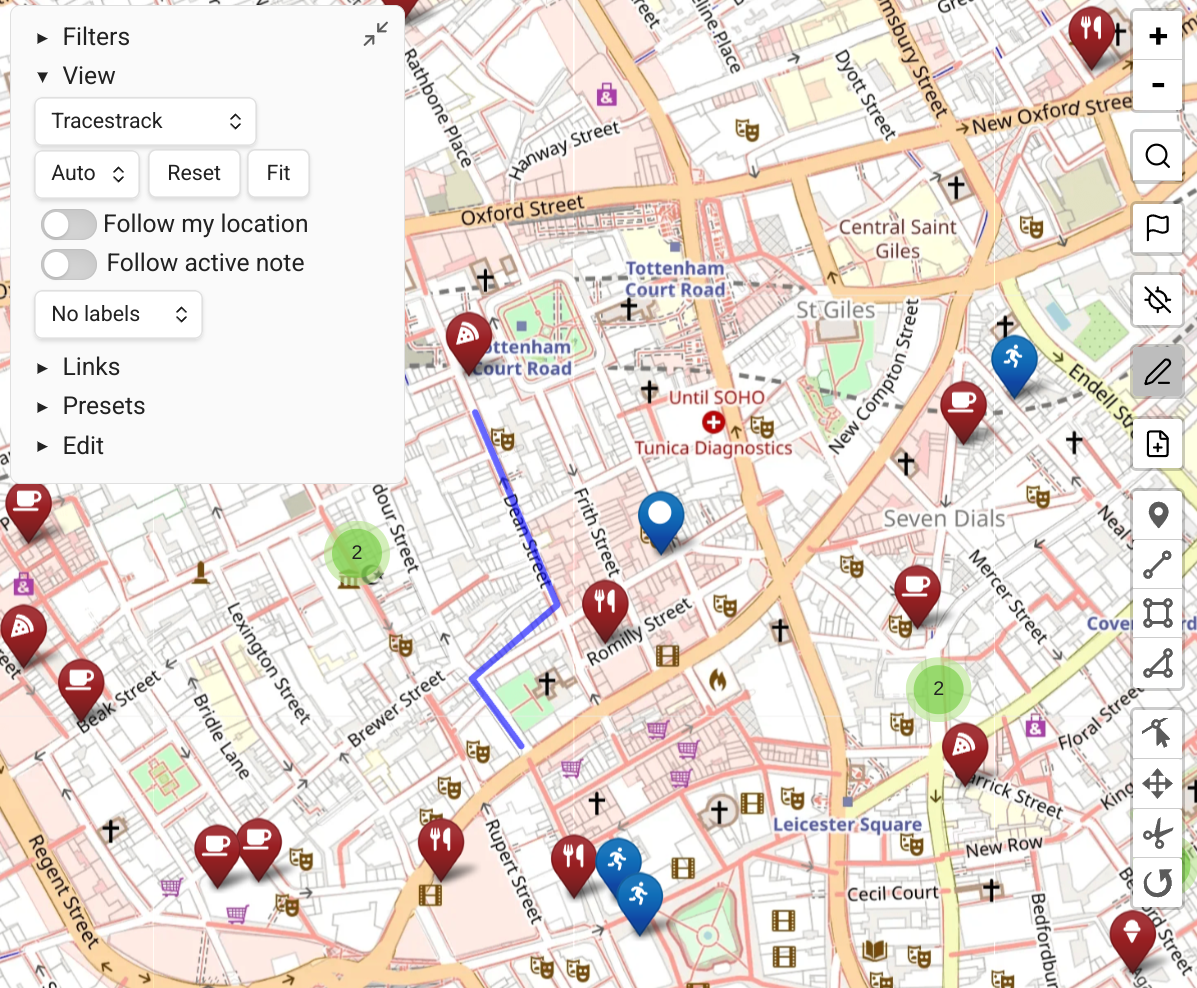
Map View vs. Obsidian Maps
Obsidian 1.10 introduced Obsidian Maps, a plugin authored by the Obsidian developers to accompany the Bases core plugin. Both it and Map View display notes as pins on an interactive map, and have their own strengths and weaknesses.
What's Similar
- Both display notes as pins on an interactive map.
- Both respond to filters to show only matching notes.
- Both can use the
locationfront matter property.
What's Different
The two most important strengths of Maps over Map View are:
- Using vector maps.
- The ability to set marker properties like icons and colors based on Bases properties and formulas.
Here is a more in-depth comparison:
| Obsidian Maps | Map View | |
|---|---|---|
| Author | Obsidian developers | Community (esm7) |
| Work mode | Usable only through Obsidian Bases | Can be used either through Bases or as a stand-alone view |
| Locations per note | One (front matter only) | Many -- front matter + unlimited inline locations |
| Inline locations | Not supported | Supported, with per-location inline tags |
| Paths | Not supported | GPX, KML, TCX, GeoJSON — stand-alone files and inline |
| Marker styling | Icon (Lucide) + color per property value | Powerful query-based display rules with icons, colors, shapes, badges |
| Bases-based marker styling | Marker styles can be Bases formulas | Markers cannot be styled according to Bases formulas |
| Filtering | Bases filter UI | Bases filter + Map View's own query language |
| Entering locations | Display-only | Multiple options to enter geolocations, from the map and notes |
| Geocoding (places search) | Not supported, only displays locations | OpenStreetMap or Google Places search |
| Routing | Not supported | Built-in via GraphHopper API (driving, cycling, walking) |
| GPS / current location | Not supported | Full support on Obsidian Mobile |
| Embedded maps | Through embedded bases | Through embedded bases or map code blocks |
| Offline usage | Not supported | Automatic cache + batch download for offline use |
| Map sources | Vector or tile based | Tile based |
Some of the rows above change if you extend Obsidian Maps with a community plugin -- see Map View vs. Advanced Maps.
Location Format
While Maps does not support all the location formats that Map View does, and most importantly not inline locations, the basic front matter format can work on both:
yaml
---
location: 48.8566,2.3522
---
Alternatively, you can set the Map View front matter key to a different name than the default, e.g. coordinates.