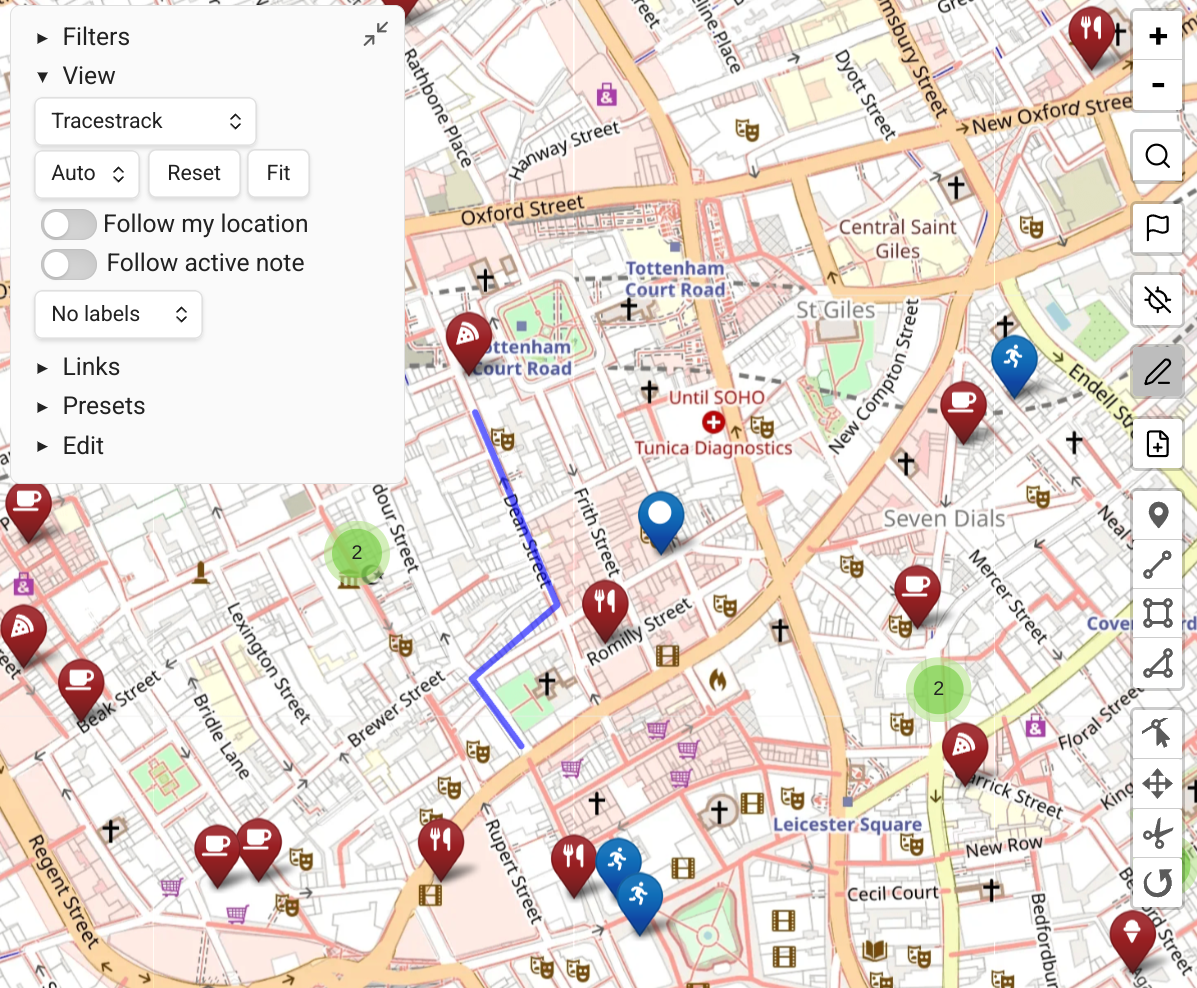
Follow Active Note
Map View has a mode where the map refocuses according to the currently active file. With Map View open in its own pane, it follows whatever note you are currently focused on.
This works most intuitively with "map follows search results" turned on.
Configuration
The behavior when following an active note is configured via the "query format for 'follow active note'" setting.
The default query is:
path:"$PATH$"This shows only the markers within the path of the current note when you switch to it.
Custom Follow Behaviors
You can edit the query format for more sophisticated behaviors:
linkedfrom:"$PATH$"Include markers from the file you're on and files it links to.
linkedfrom:"$PATH$" OR linkedto:"$PATH$"Include markers that the active note links to and markers that link back to this file.