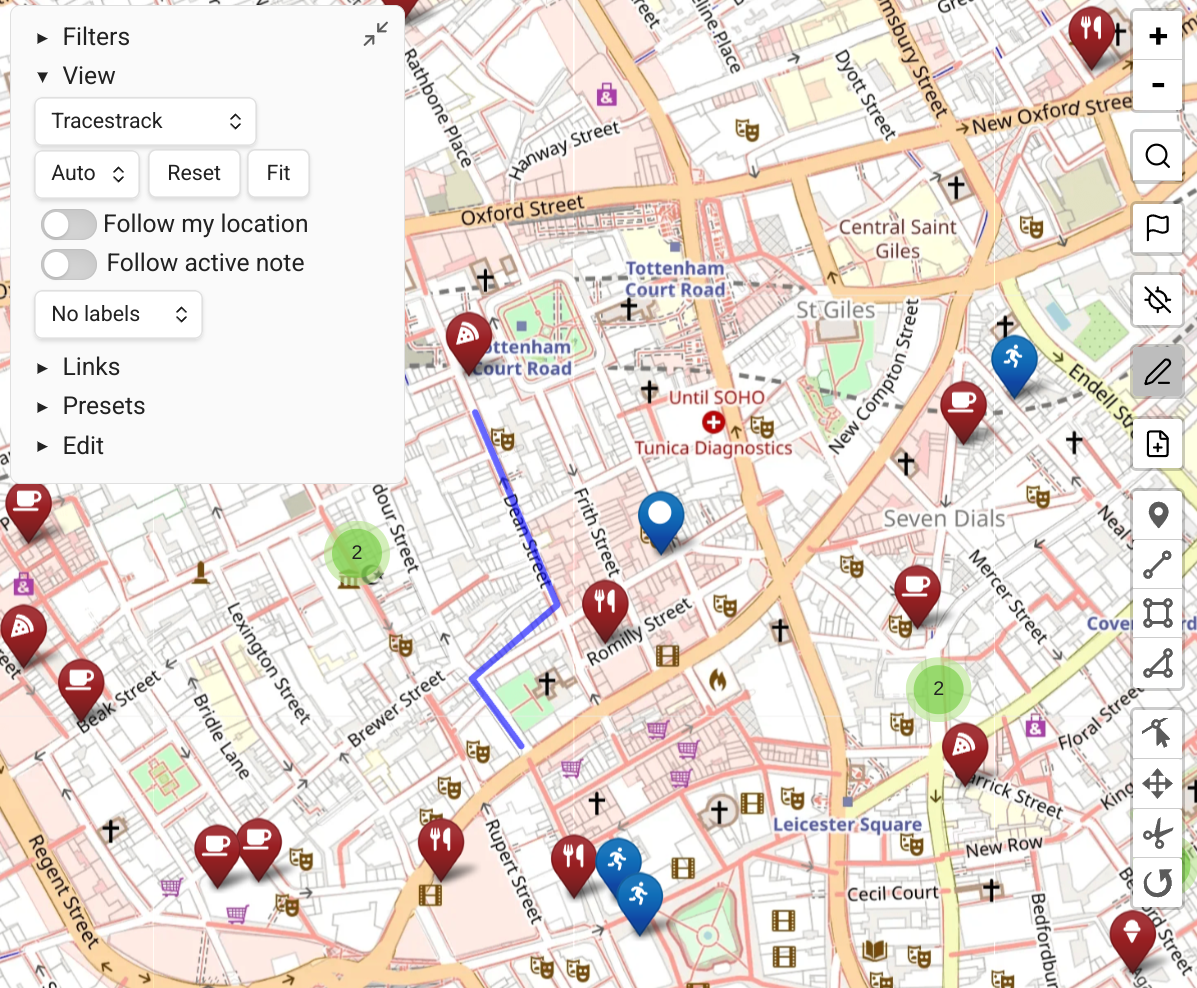
Map View vs. Obsidian Leaflet
Users adding mapping capabilities to Obsidian may also want to look at the great Obsidian Leaflet plugin. Both plugins use Leaflet.js as their visual engine, but they represent different approaches.
What's Similar
- Both support creating maps from your notes or a folder of notes, with extensive customization options.
- Both support creating maps for specific use cases (e.g. trip planning), from a focused set of notes, and embedding maps in notes.
What's Different
| Map View | Obsidian Leaflet | |
|---|---|---|
| Primary interface | GUI-driven view (like Obsidian's Graph View) | Code block-driven |
| Customization | Through a rich GUI | Mainly via code block parameters |
| Multiple locations per note | Yes — inline syntax with individual tags | Focused on one geolocation per note (more locations can be added to the map code block itself) |
| Purpose | Research & query tool — interactive filtering, trip planning, geographic insights | Presenting fine-grained customizable maps |
| Geolocation search | Built-in powerful location search tools | Not a focus |
| Display rules | Query-based rules: "color all #food/* items red", "give #food/pizza a pizza icon" | Icons assigned individually or by global tag |
| GPX / GeoJSON / overlays | Yes, via stand-alone files or inline | Yes |
| TTRPG / custom maps | Possible but less natural | More suitable |
Which Should I Use?
- Map View is the better choice if you want to use your notes as a personal geographic database — collecting places, querying them with complex filters, and navigating your knowledge geographically.
- Obsidian Leaflet may be the better choice if you want maximum control over a specific map's visual presentation, especially for non-geographic maps (TTRPG, custom worlds).
The two plugins are not mutually exclusive — some users run both.