URL Parsing Rules
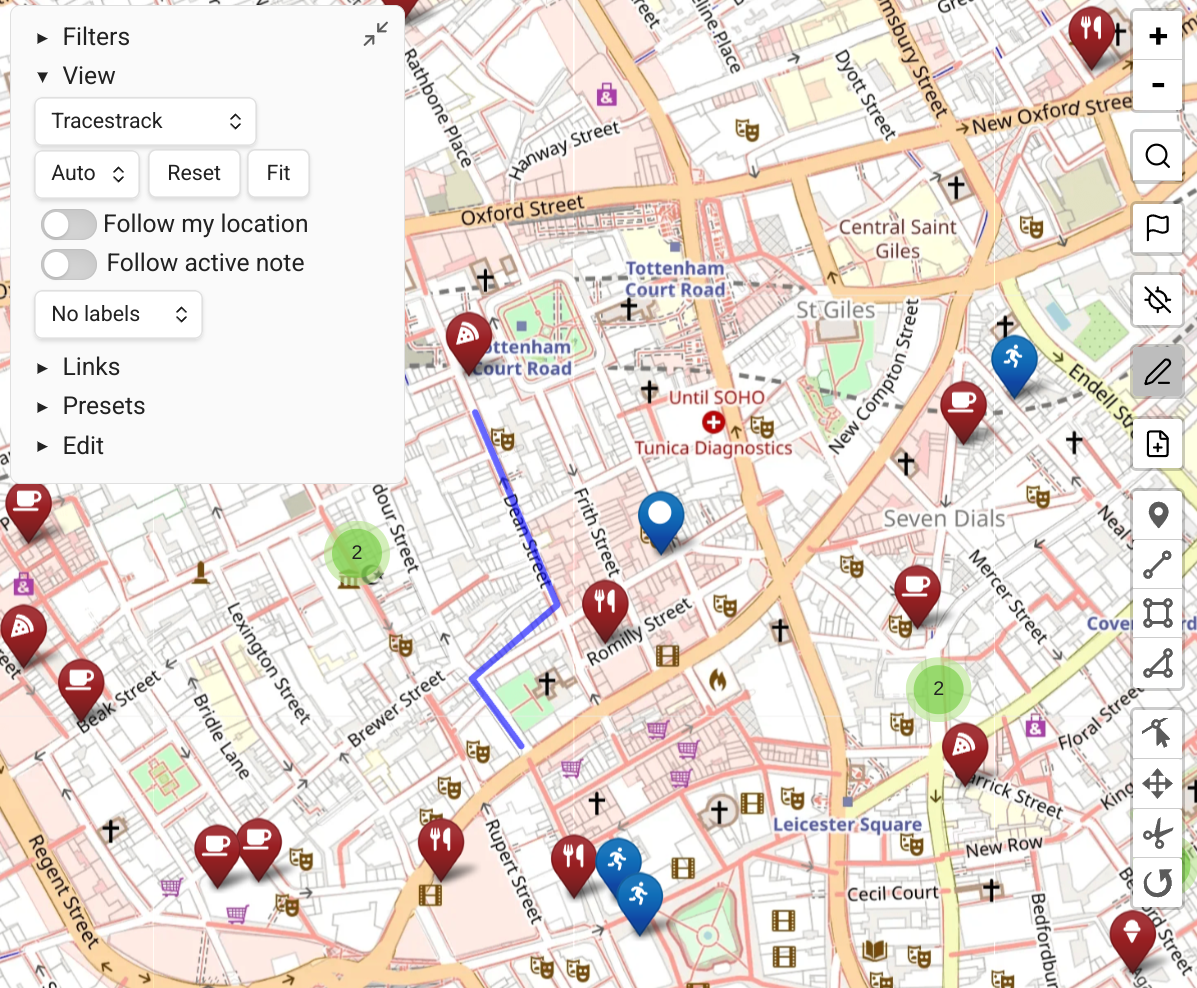
Map View uses URL parsing rules to parse URLs (or other strings) from external sources and convert them to geolocations.
Where URL Parsing Is Used
- Editor context menu — right-clicking a line with a recognized link shows a "Convert to Geolocation" entry.
- Clipboard monitoring — when a recognized link is detected in the clipboard, a "Paste as Geolocation" entry appears in the editor context menu.
- New geolocation note dialog and map search — pasting a supported URL parses the geolocation.
Default Rules
By default, Map View can parse:
- OpenStreetMap "show address" links
- A generic
lat, lngencoding used by many services
Adding Custom Rules
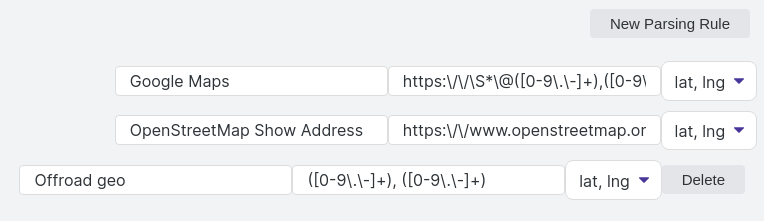
Configure URL parsing rules in the plugin's settings. This requires familiarity with regular expressions.
The syntax expects two capture groups and you can configure whether they are parsed as lat, lng (most common) or lng, lat.
TIP
If you write solid regular expressions that work for a new service, consider submitting them as a PR so other users can benefit!
Tip: Copying from Google Maps
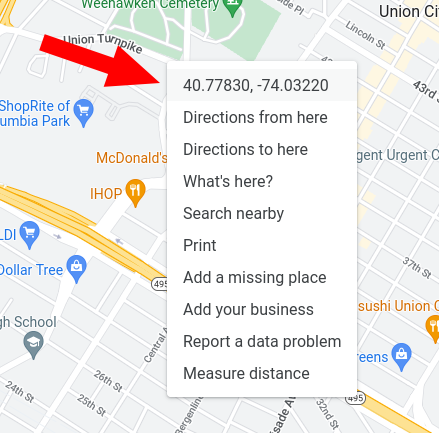
Google Maps on desktop offers an easy shortcut for universal lat, lng coordinates:
- Right-click anywhere in Google Maps.
- The first menu item is the universal coordinates — clicking it copies them to your clipboard.
- In any Obsidian note, right-click and choose "paste as geolocation", or paste the coordinates into any Map View search box.