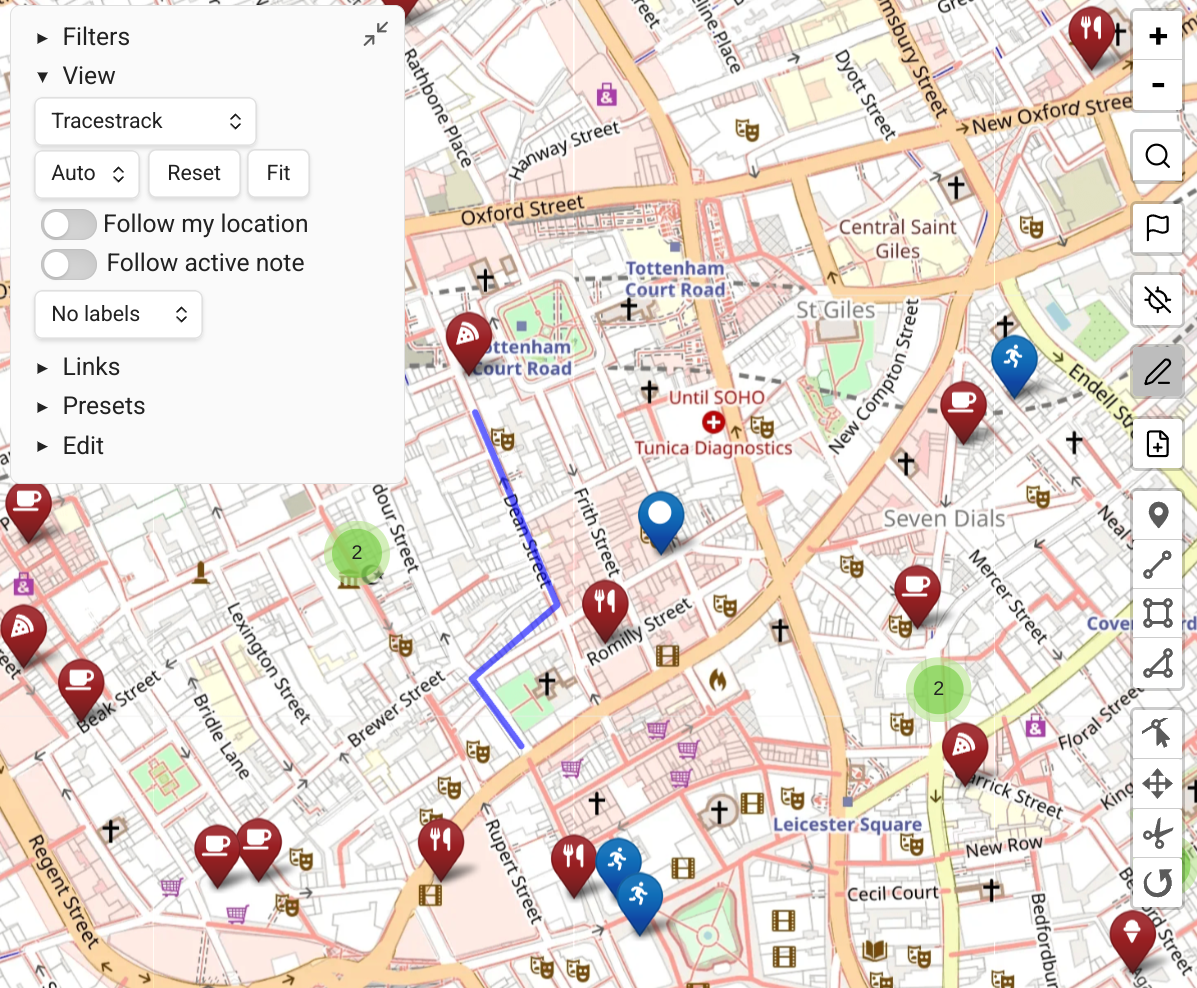
View URLs
You can save the current map state as a URL to open from any app.
Creating a View URL
- Click "Copy Map View URL" from the view's "more options" context menu, or
- Click "Copy URL" from the map Presets control.
Using View URLs
The resulting obsidian:// URL:
- Opens from any local app on your computer or phone, launching Obsidian with Map View in the saved state (zoom, pan, query, map source, etc.)
- Can be pasted into a note as a Markdown link:
[My Italy Trip Map](obsidian://...)
This is especially useful for linking directly to specific map views from trip plans, project notes, or any context-specific note.