Open In
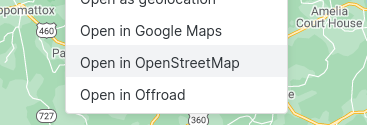
Many Map View context menus display a customizable Open In list for opening locations in external mapping services.
Where the Open In List Appears
- When right-clicking the map
- When right-clicking a marker on the map
- When right-clicking a geolocation link in a note (configurable in settings)
- When right-clicking a line in a note that has a location
- In the context menu of a note that has a front matter location
Configuring Open In Entries
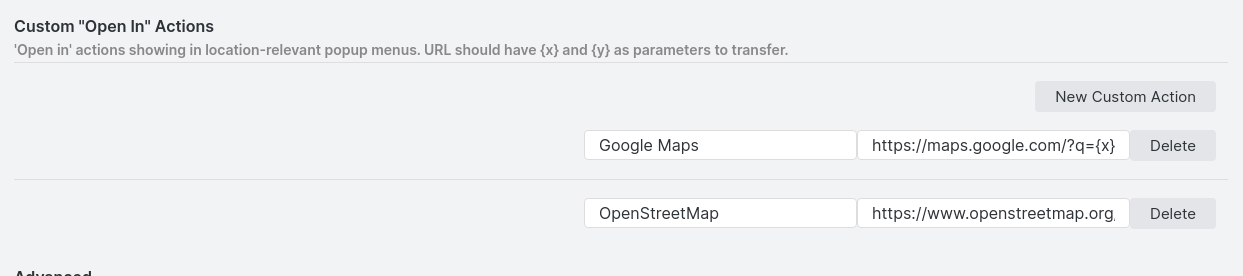
Configure the list through the plugin's settings menu. Each entry has:
- Name — displayed in context menus
- URL pattern — a URL with optional parameters:
{x}— replaced by the latitude{y}— replaced by the longitude{name}— replaced by the location name (note name or inline link name)
Common Examples
| Service | URL |
|---|---|
| Google Maps | https://maps.google.com/?q={x},{y} |
| OpenStreetMap | https://www.openstreetmap.org/#map=16/{x}/{y} |
| Waze | https://ul.waze.com/ul?ll={x}%2C{y}&navigate=yes&zoom=17 |
You can figure out many other services just by inspecting their URLs.