Map Sources
Default Map Source
By default, Map View uses the CartoDB Voyager Map, which is free for up to 75K requests per month.
Adding Map Sources
You can add any map source that provides tiles via a standard URL in the plugin configuration. Many services offer localized, specialized, or beautifully-rendered maps — see a comprehensive list here.
URL Format
Standard tile URL format: https://example.com/{z}/{x}/{y}.png
For providers that use an API key (e.g. MapTiler or Mapbox):
https://api.maptiler.com/maps/outdoor/{z}/{x}/{y}.png?key=YOUR_KEYHiDPI / Retina Tiles
Add {r} as an optional resolution identifier to automatically use retina tiles on high-resolution displays:
https://example.com/{z}/{x}/{y}{r}.pngDark Theme
Each map source can have an optional dark theme URL. If Obsidian's dark theme is detected, or if you manually select "Dark" from the View pane, the dark URL is used.
INFO
Google Maps is not a viable option here — while it provides tiles in the same format, the Google Maps terms of service make it difficult to legally bundle them in an application.
Switching Map Sources
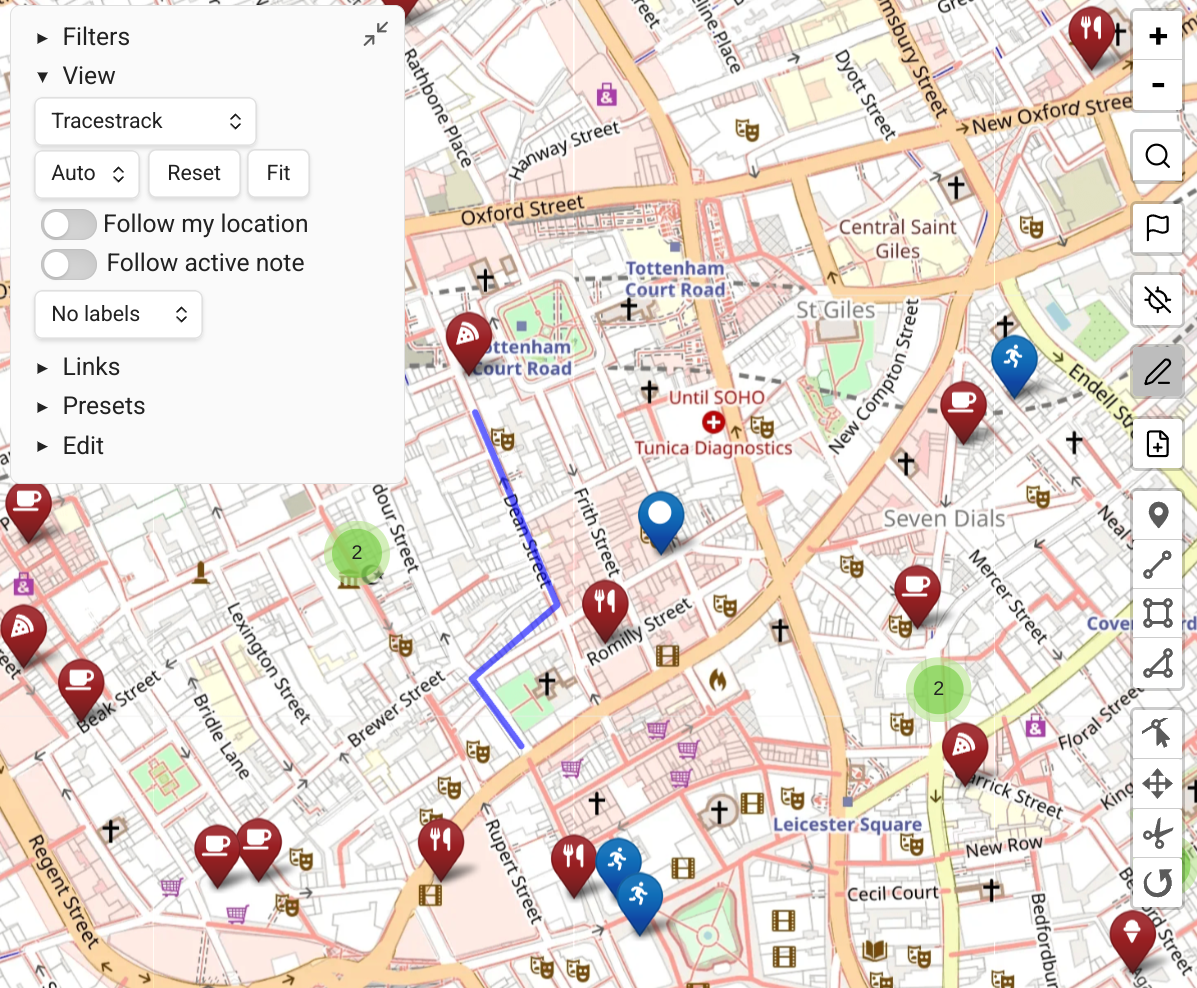
If you have multiple map sources, switch between them from the View pane in the map controls.
Tile Attribution
Using third-party map data is your responsibility. Always ensure you are not violating a provider's terms of use.