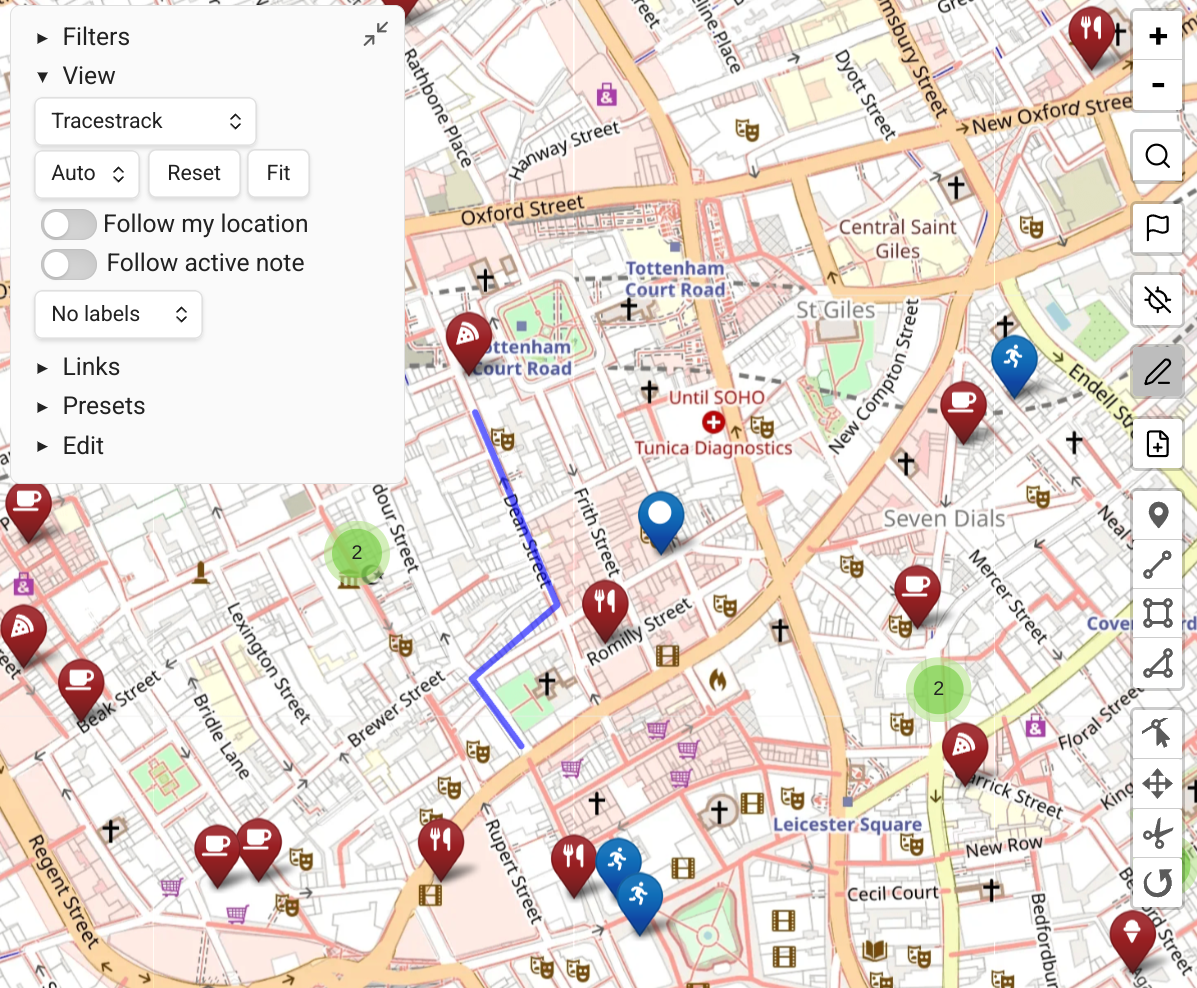
GPS Location Support
Starting with Obsidian Mobile 1.11, plugins can be granted precise location permission, allowing Map View to show and use your exact geolocation.
GPS support is enabled by default. To disable it, turn off "GPS support" in the plugin settings.
Showing Your Location
When your location is available, focus on it using the dedicated icon on the right toolbar.
You can also set "follow my location" in the view settings to automatically pan the map as you move.
GPS Commands
The following commands are available when GPS is active:
| Command | Description |
|---|---|
| GPS: find location and focus | Open Map View and focus on your current location |
| GPS: focus and follow me | Same as above, but also enables "follow my location" |
| GPS: add geolocation (inline) at current position | Add your current location as an inline link to the note you are editing |
| GPS: add geolocation (front matter) to current note | Add your current location to the note's front matter |
| GPS: copy inline location | Copy your current location as an inline link to the clipboard |
| GPS: new geolocation note | Create a new note at your current location |
TIP
Map commands you use often to the mobile toolbar for quickly adding the current location to notes.
Routing from Current Location
When a GPS location is available, clicking an existing marker gives you the option to "route to point" from your current location without needing to manually choose a routing source. See Routing.
Auto-Adding Location to Notes (Mobile)
On Obsidian Mobile, you can configure Map View to automatically add your current location to notes when they are opened or created.
A common use case is adding the current location to your daily note.
How It Works
By default, Map View fills in the current location when it finds an empty location property in a note, except for notes whose name contains the word "template" (configurable).
Setup
Add an empty location property to the template that creates your target notes (e.g. your daily note template):
---
location:
---
When a note created from this template is opened, Map View will automatically fill in the current GPS coordinates.
INFO
Location support is not available on Obsidian Desktop (Linux, Windows, Mac) — only mobile. Vote for this feature here.