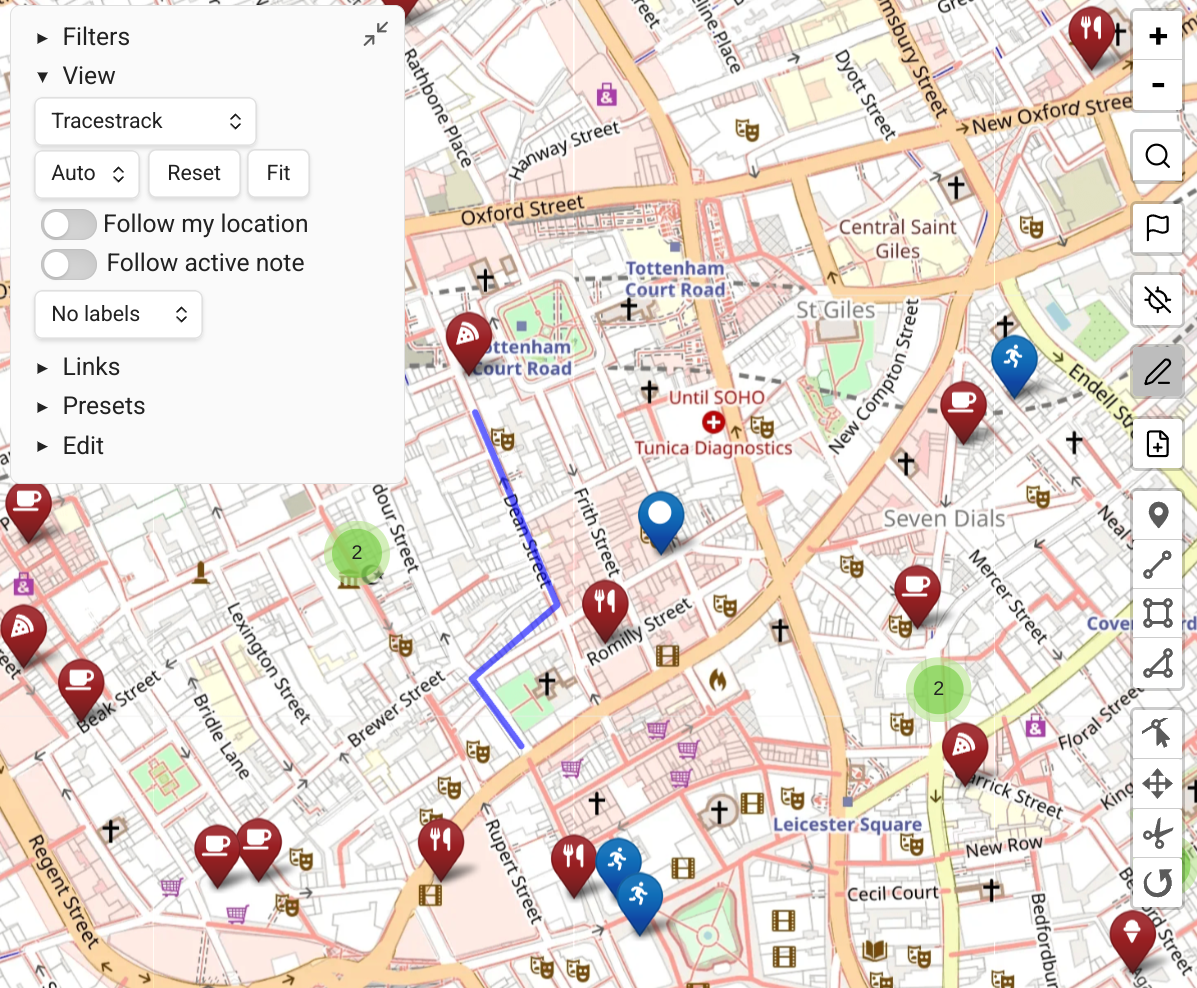
Obsidian Bases View
On Obsidian 1.10 and above, Map View implements a view for Obsidian Bases, where the map controls work as Bases controls and all Map View functionality continues to work.
Setting Up a Bases Map View
- In the Bases view selector, click Add View.
- Choose Map View as the view type.
Filtering
- Filtering is based on your Base filter.
- Add an optional additional Map View query (e.g.
tag:#dogs) in the view's "additional filters" field.
Limitations
INFO
Bases work only at the resolution of complete files. They do not support:
- Inline tags
- Inline markers
- Other inline content